Faces found on your device
Face detection runs locally in your browser. Your original photo is never uploaded in the clear — every face is found, encrypted, and blurred before it leaves your device.
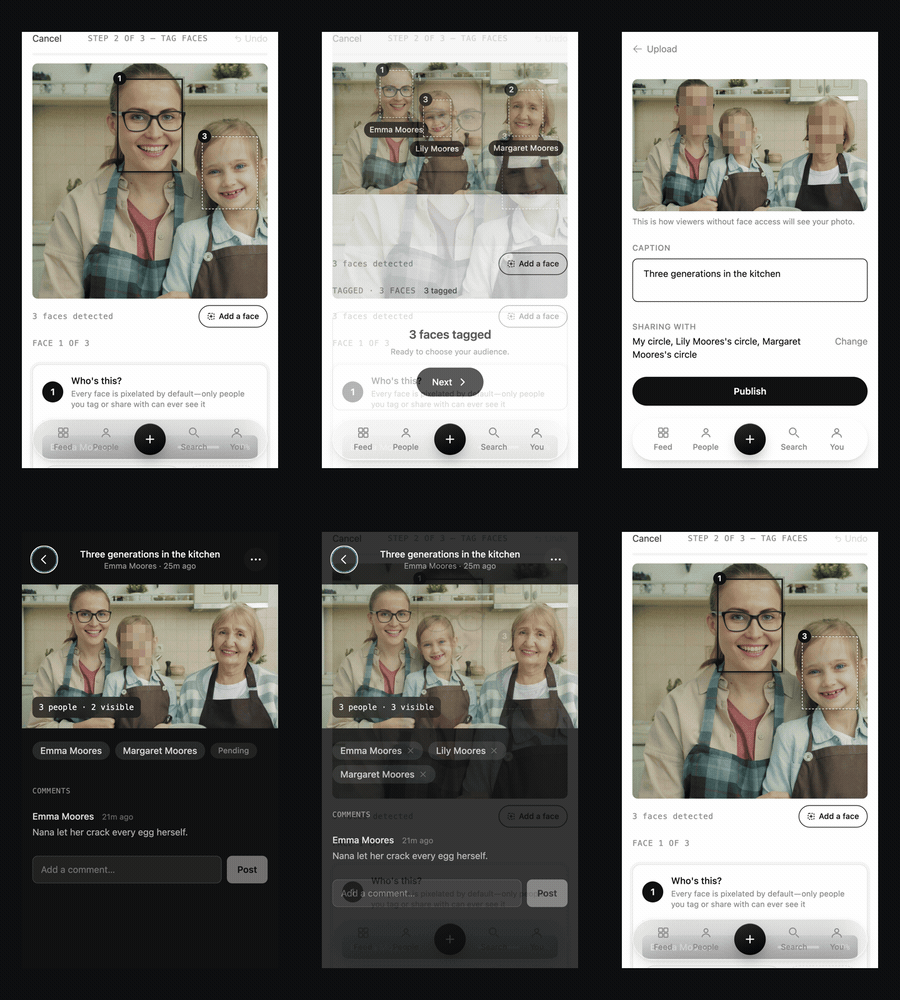
Faces found on your device
Face detection runs locally in your browser. Your original photo is never uploaded in the clear — every face is found, encrypted, and blurred before it leaves your device.
Tag who's who
Tag people already on BrightBlur, or start a profile for someone who isn’t. Tag a face once and the decision carries across every photo in the batch.
You set the audience
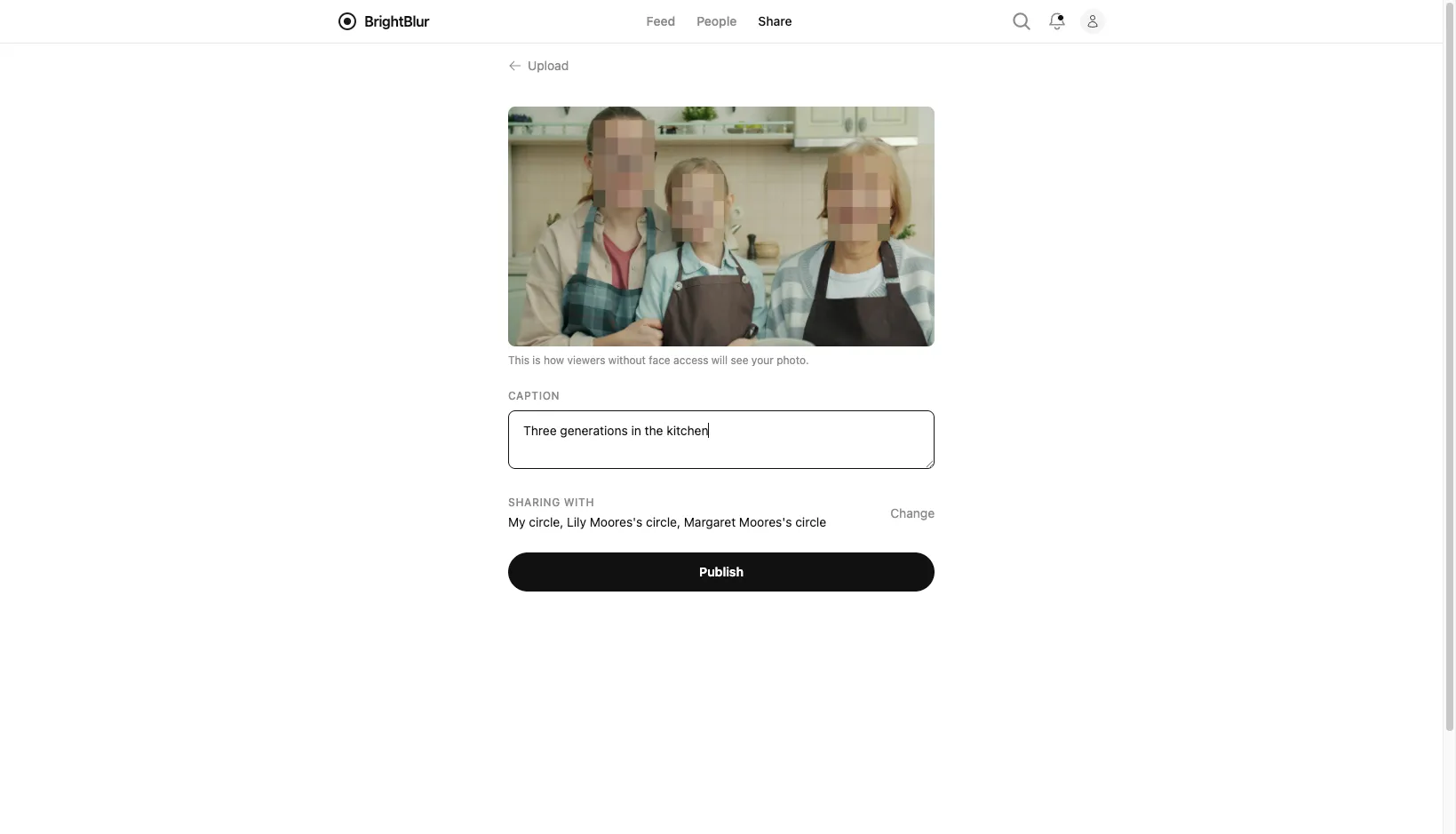
Choose which circles can see the photo, add a caption, and publish. Anyone outside your audience — and any face you didn’t tag — only ever sees a blur.
The publish screen previews your photo exactly as someone without face access will see it — every untagged or unshared face reduced to a mosaic. Nothing leaves your device until you’re happy with it.
End-to-end, per face
Protected face crops are encrypted on your device. The server can read the redacted scene and sharing metadata, but cannot decrypt those face crops. When you report a photo, you share a viewable copy with moderators.
Private by default
Detected faces start blurred. Review detections and tags before sharing: missed faces, bodies, clothing and surroundings may still identify someone.
Password or passkey
Sign in with email and a password, or set up a passkey for passwordless, phishing-resistant login — your choice.
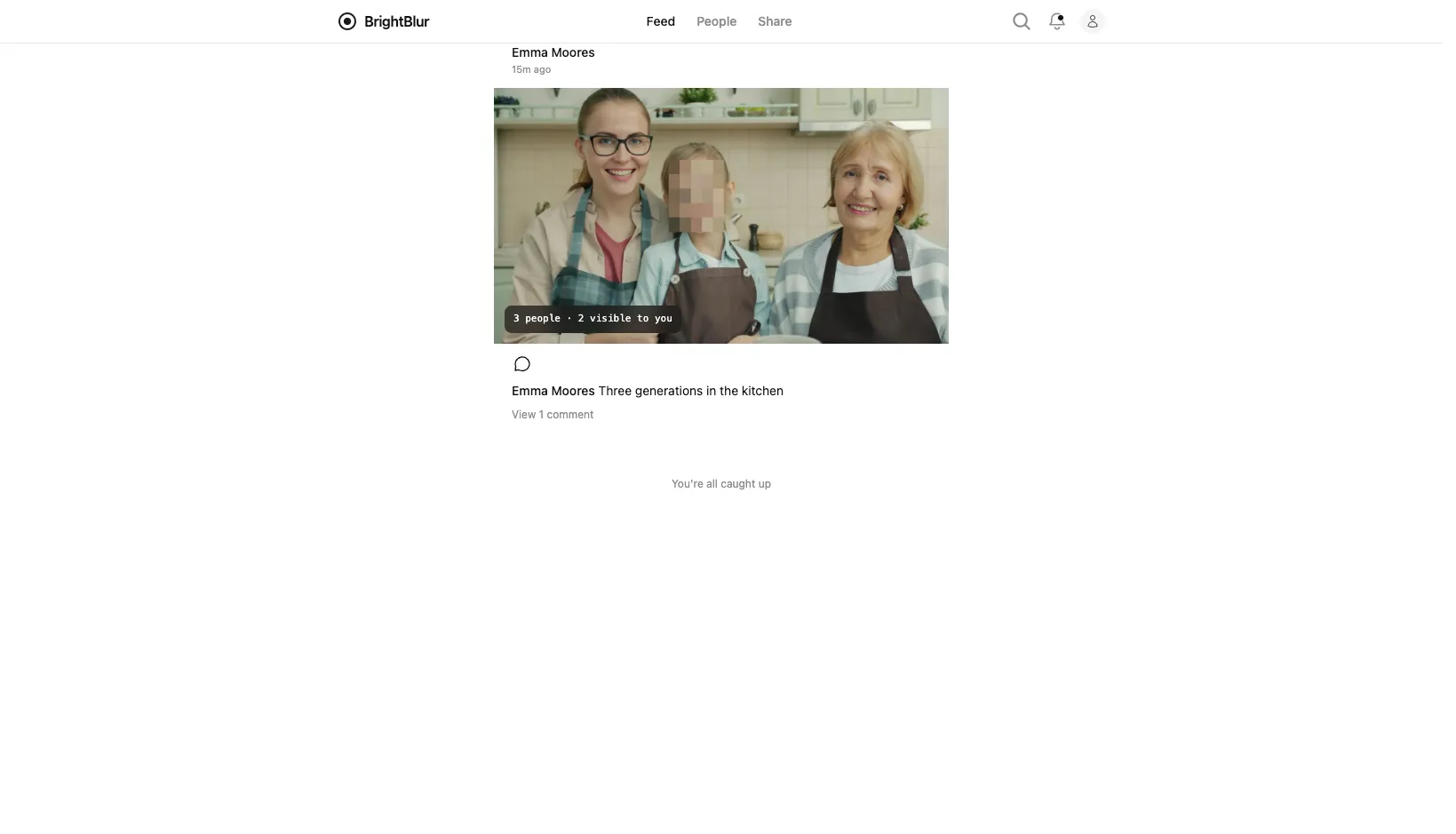
The same shared photo looks different to everyone who opens it. Faces are composited in each viewer’s browser from slices only they can decrypt, so people see exactly the faces they’ve been granted — and nothing more. If there’s someone you’d like to see, you can ask, and the person in control decides.
Start with the Overview to see how BrightBlur works end to end, or jump straight to Getting Started to set up your account.