Overview
BrightBlur is a privacy-first photo sharing platform that uses per-face encryption so that only the people you choose can see the faces in your photos.
The problem
Section titled “The problem”Sharing photos through WhatsApp groups or social media means every member of the group sees every face, forever. There’s no way to revoke access, no way to control who screenshots what, and no way to protect someone who didn’t consent to being shared. Whether it’s a family gathering, a work event, or a club outing — once a photo is sent, you’ve lost control.
How BrightBlur works
Section titled “How BrightBlur works”When you upload a photo, BrightBlur:
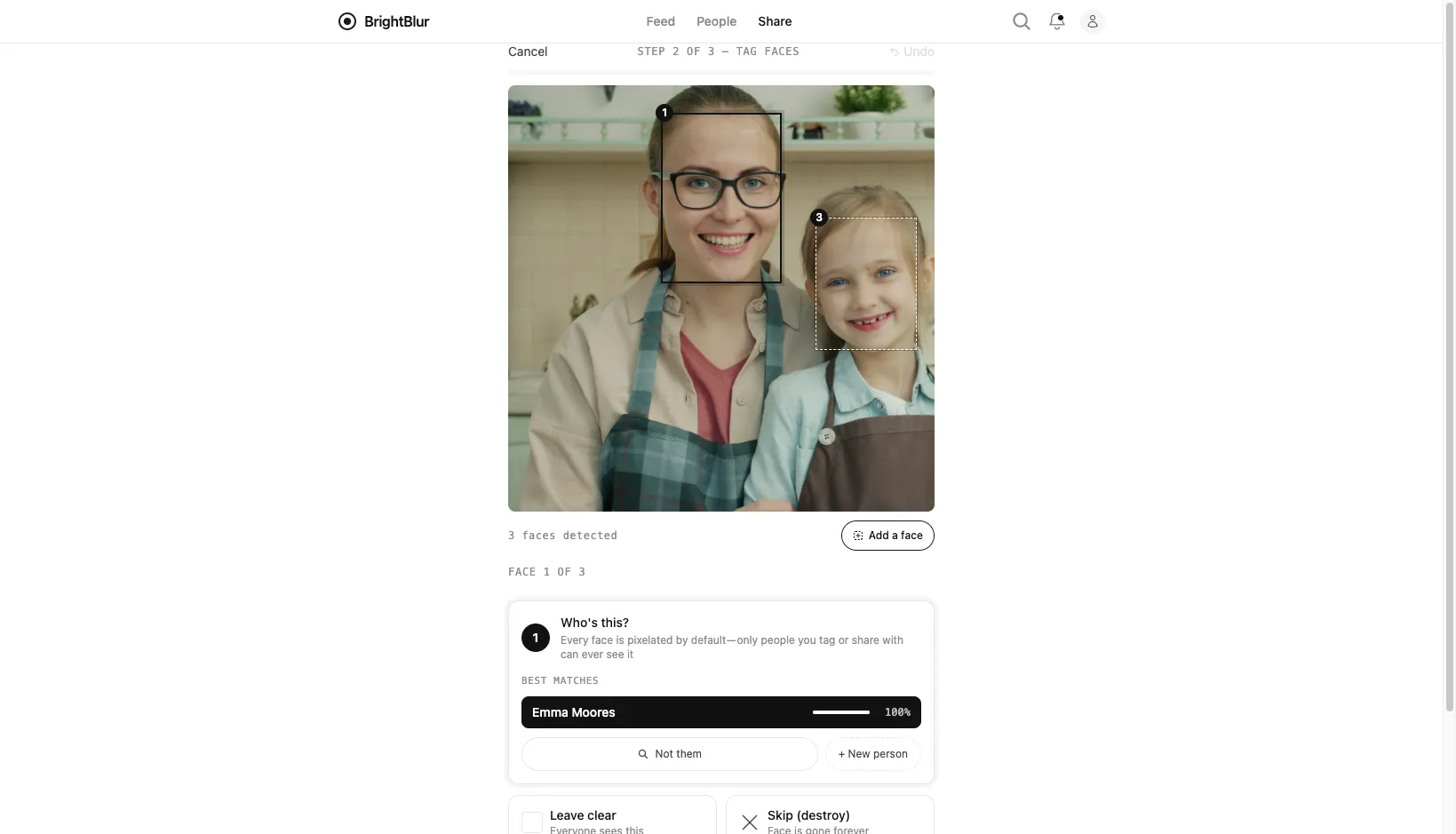
- Detects faces on your device. Review the detections and tags, and add any faces that were missed.
- Permanently pixelates every detected face in the base image (a destructive 5×5 mosaic — the original pixels are overwritten and cannot be recovered).
- Encrypts each face separately as a “face slice”, using a key that only authorised people hold.
- Uploads a BBP container — the server can read the redacted base, including bodies, clothing and surroundings. Protected face crops, captions and biometric fingerprints remain encrypted.
When someone views the photo, their browser fetches the encrypted face slices they have permission to see, decrypts them locally, and composites them over the pixelated regions in real time. People can still save or share what they see; withdrawing access cannot recall those copies.
Key features
Section titled “Key features”- Privacy by default — detected faces start pixelated. Their controllers manage who can reveal them.
- Encrypted face data — the server stores encrypted face crops, biometric fingerprints and private keys. Reporting a photo shares a viewable copy with moderators.
- Automatic face recognition — the app learns to recognise people you frequently tag, suggesting matches for faster uploads.
- People-first sharing — a photo reaches you and everyone connected to a face in it.
- Batch upload with clustering — upload a whole event at once; the app groups the same person across photos so you tag them once.
- Viewer watermarking — the web viewer adds an invisible watermark that may help investigate a shared copy. It does not prevent screenshots or guarantee that a copy can be traced.
- Hybrid encryption — X25519 and ML-KEM-768 combine classical and post-quantum approaches.