Passkeys
Passkeys are a modern, phishing-resistant replacement for passwords. In BrightBlur they do double duty — they authenticate you to the server and unlock your local encryption keys in a single step.
Why use a passkey?
Section titled “Why use a passkey?”- Phishing protection — passkeys are cryptographically bound to the BrightBlur domain. They cannot be tricked into working on a fake site.
- Biometric login — use your fingerprint or face to log in.
- One-step unlock — BrightBlur uses the WebAuthn PRF extension to derive an encryption key directly from your authenticator, so logging in also unlocks your photos.
Managing passkeys
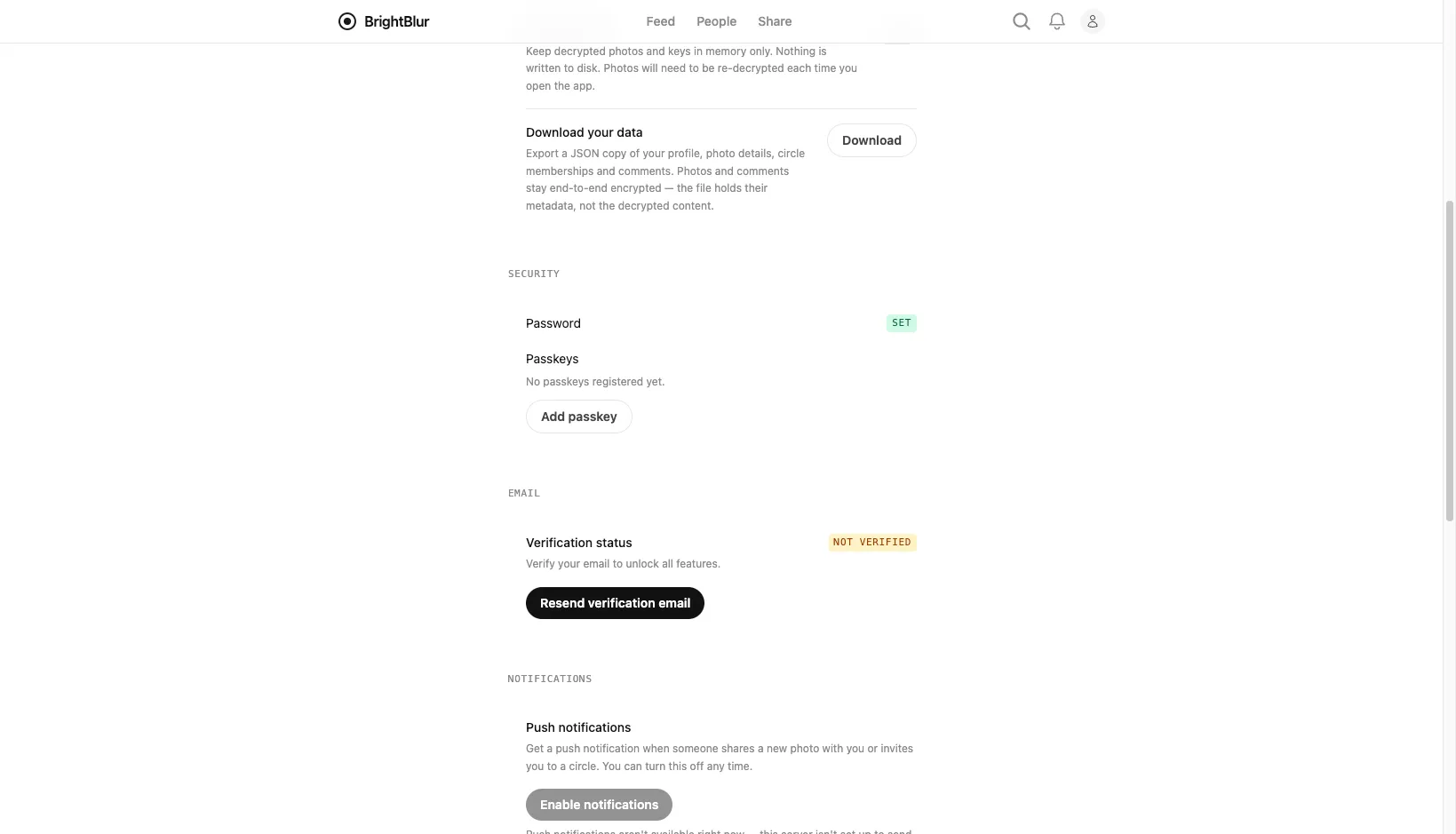
Section titled “Managing passkeys”Go to Settings and find the Security section. There you can:
- Add a passkey (or Add another passkey if you already have one) and follow your device’s prompts.
- Rename a passkey to tell your devices apart (e.g. “MacBook”, “iPhone”).
- Revoke a passkey you no longer use. You can’t remove your last passkey unless you also have a password set — otherwise you’d lock yourself out.
Using your passkey
Section titled “Using your passkey”On the login page, enter your email, then tap Log in with passkey to sign in with a single prompt.