Login Methods
Email & password
Section titled “Email & password”- Go to the login page.
- Enter your email and password.
- Tap Log in.
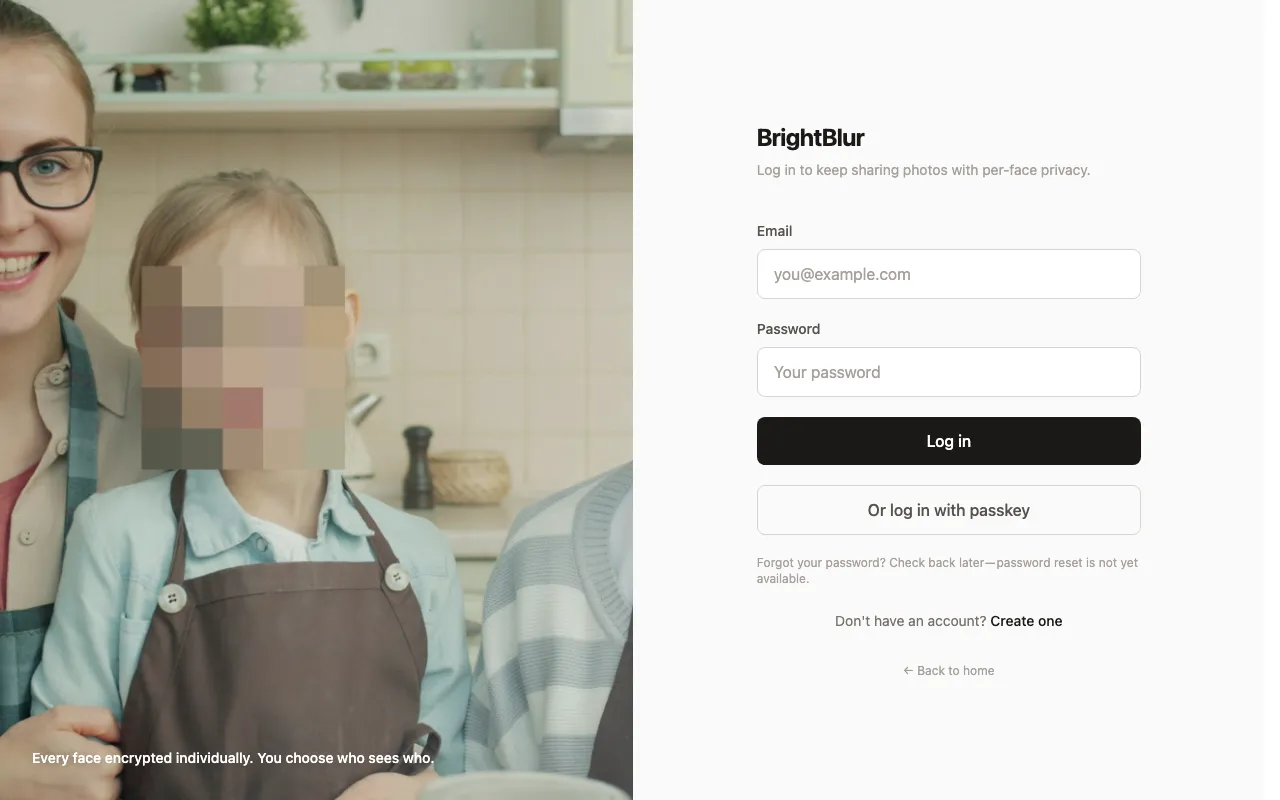
Forgot your password?
Section titled “Forgot your password?”Tap Forgot your password? below the password field. Enter your email and we’ll send a reset link (the page always says a link has been sent, so it never reveals whether an account exists). Follow the link to choose a new password.
Passkey login
Section titled “Passkey login”If you’ve registered a passkey, enter your email, then tap Log in with passkey for a single-step sign-in using your device’s authenticator (Touch ID, Face ID, Windows Hello, or a synced passkey). It’s faster and phishing-resistant, and it unlocks your encryption keys in the same step. The button only appears on browsers that support passkeys.
Staying signed in
Section titled “Staying signed in”BrightBlur keeps you signed in with secure, httpOnly cookies. A short-lived token is refreshed automatically as you use the app, and each refresh extends your session by another 30 days — so you stay logged in as long as you keep using BrightBlur, and the session lapses after about 30 days away. Logging out ends the session immediately and clears your cached encryption keys from the device.