Account Registration
Create your account
Section titled “Create your account”- Go to the registration page.
- Enter your email, first name, and last name.
- Either choose a strong password (at least 8 characters) and tap Create account, or tap Register with passkey to set up a passkey instead of a password.
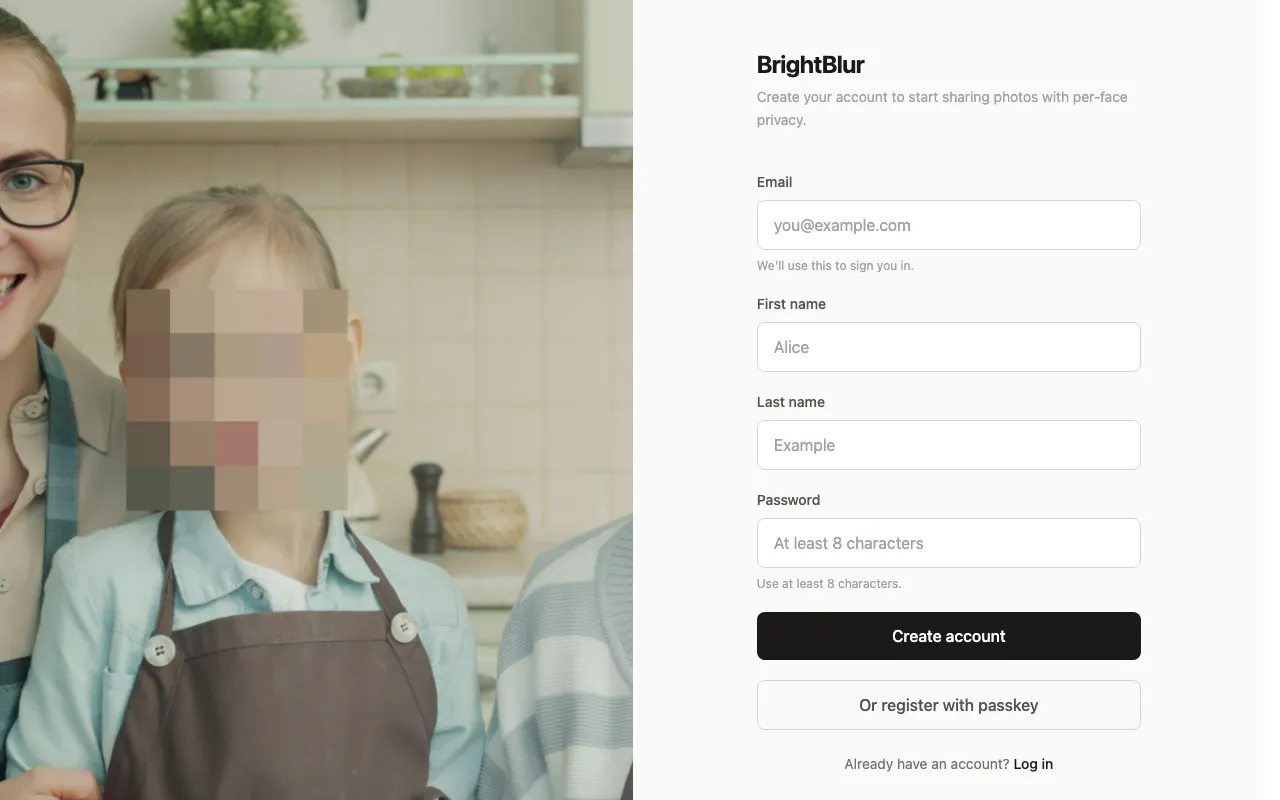
Both paths are equal — pick whichever you prefer. (The passkey button only appears on browsers that support passkeys.)
A verification email is sent in the background. Clicking its link confirms you own the address, but it is not required to start using BrightBlur — you go straight on to setup, and you can verify your email later from Settings whenever it suits you.
Encryption setup
Section titled “Encryption setup”Right after registering, a short wizard sets up your end-to-end encryption. You’ll:
- See your recovery phrase — a 12-word phrase (a standard BIP39 mnemonic). You must tick the box confirming you’ve saved it before you can continue. There’s a “Copy to clipboard” button, and the clipboard is cleared automatically after 30 seconds.
- Confirm three words — type three of the words back, at their numbered positions, to prove you recorded the phrase. You can go back to view it again if needed.
- Review how your data is used — a short summary with links to the Privacy Policy and Terms, which you agree to before continuing.
BrightBlur then generates your keys (and, for password accounts, prompts you to create a passkey) and takes you to your feed.