Managing People
A “person” in BrightBlur represents an individual whose face you want to protect — a friend, a family member, a colleague, or yourself.
How people work
Section titled “How people work”Each person has their own encryption keys, separate from everyone else’s. When you tag a face as “Alice”, that face slice is encrypted so that only the members of Alice’s person-group can see it. The administrators of that group control who is in it.
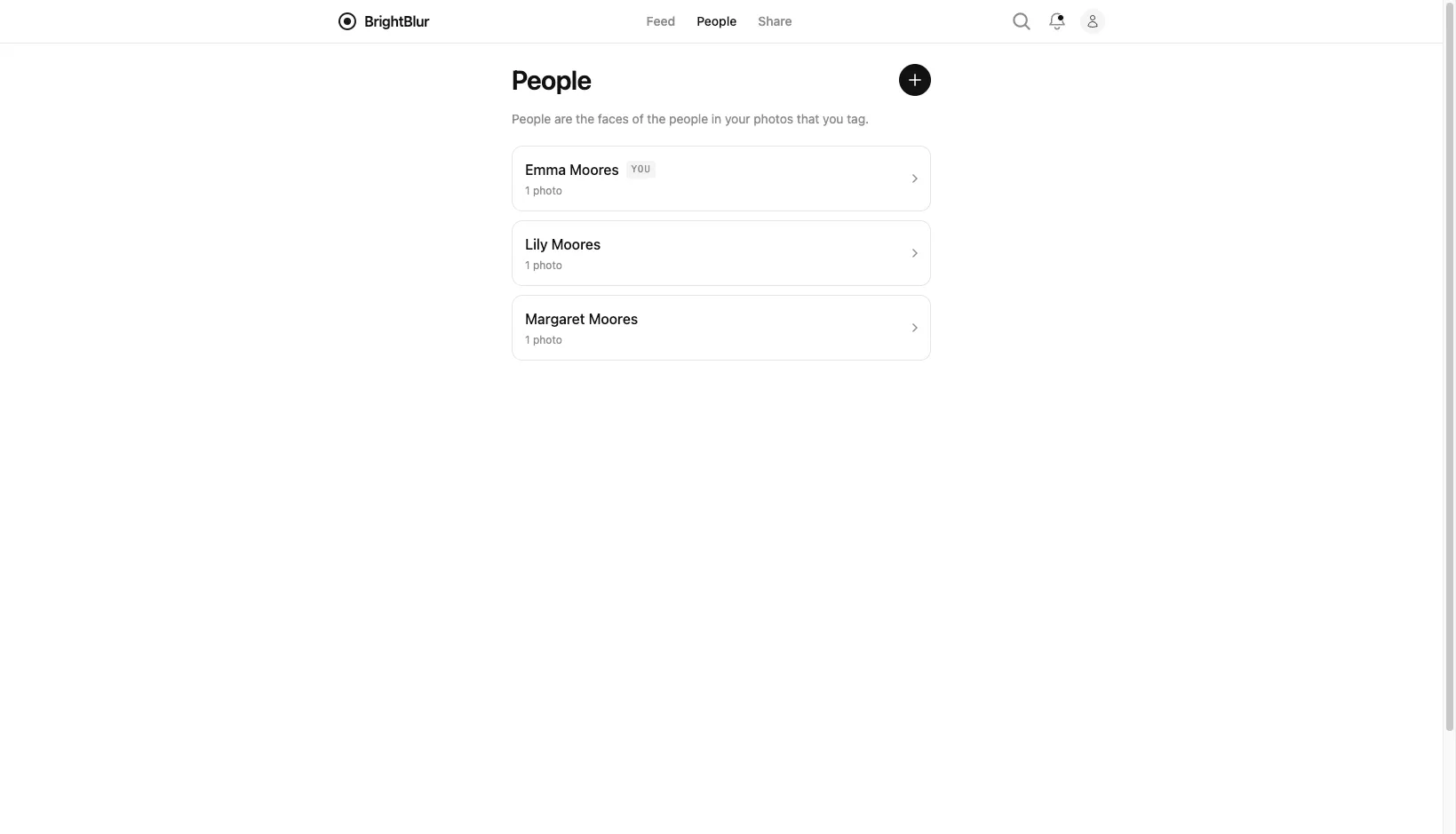
Creating a person
Section titled “Creating a person”You can create a person in two ways:
- From the People page — tap Add a person (or Add your first person when the list is empty) and enter their name in the New person dialog.
- During upload — when tagging a face, tap + New person to create one inline without leaving the upload flow.
Your own person record is created automatically when you set up your account.
Merging a duplicate of yourself
Section titled “Merging a duplicate of yourself”Sometimes another person-group actually represents you — for example, a friend tagged you as a person they manage before you had your own profile. If you’re an administrator of such a group, open it and merge it into your own identity. BrightBlur consolidates that group’s face data, fingerprints, and permissions into your own person-group and handles the key changes for you. (There’s no “select two people and merge” — the merge target is always your own identity.)
Deleting a person
Section titled “Deleting a person”An administrator can delete a person entirely from that person’s settings. Deletion permanently removes all of that person’s face data, fingerprints, and keys in a single operation — useful for withdrawing consent for biometric processing. It can’t be undone.