Comments
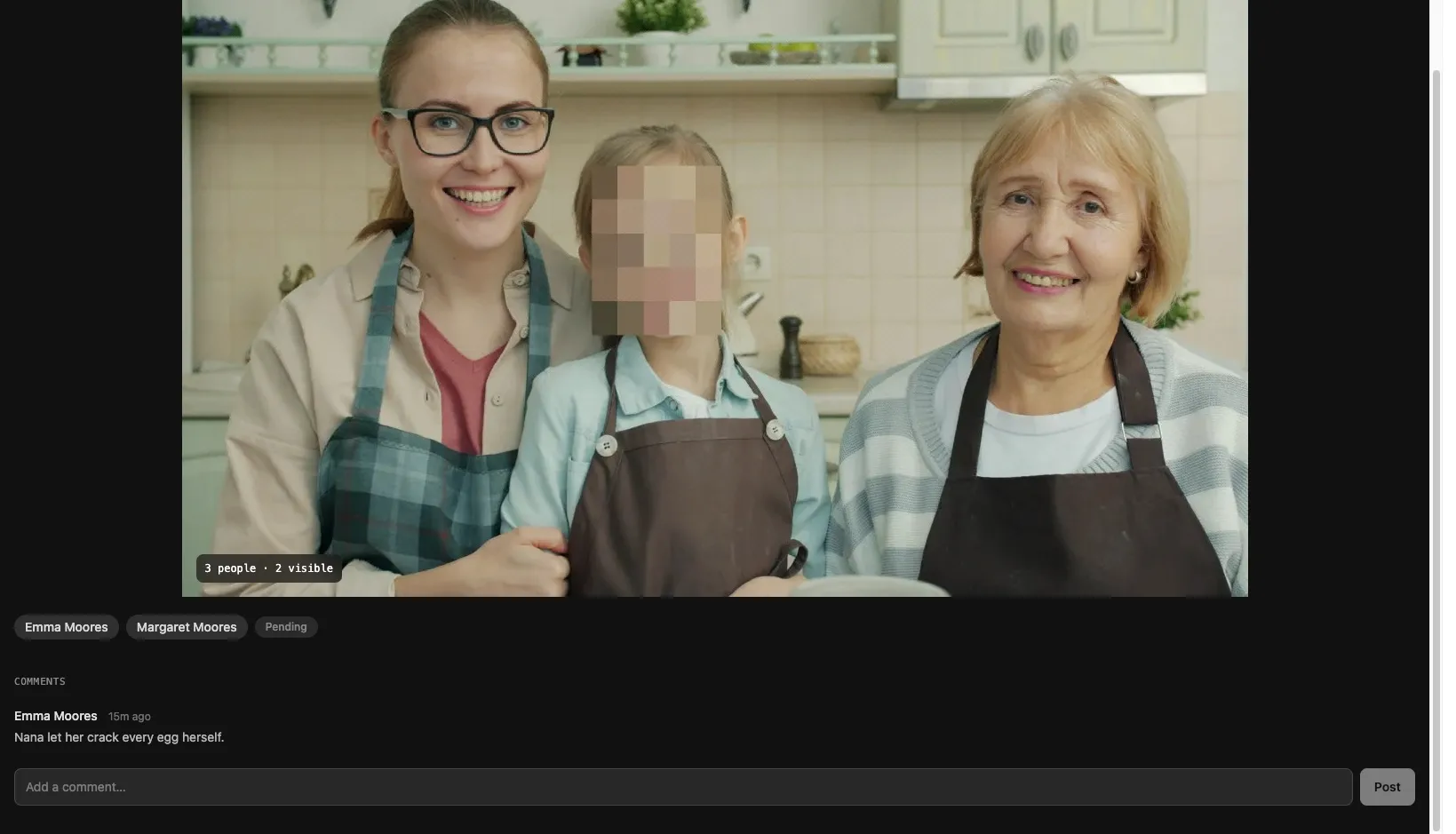
You can comment on any photo you have access to.
Adding a comment
Section titled “Adding a comment”- Open a photo in the detail view.
- Type your message in the comment field.
- Tap Post.
Encryption
Section titled “Encryption”Comment bodies are end-to-end encrypted with the same content key as the photo they belong to. Your device encrypts the text before sending it to the server; the server stores only ciphertext. Decryption happens client-side when you view the photo, using the same key that reveals the image.
This means comment content is inaccessible to anyone who cannot decrypt the photo — including BrightBlur itself. Only people who hold the wrapped content key for that photo can read comments.
Visibility
Section titled “Visibility”Comments are visible to everyone who can see the photo — that is, everyone the photo is shared with. Metadata (author, timestamp, photo ID) remains visible to the server, but the comment body does not.