Understanding Circles
Circles are how you control who sees the photos you share. Think of them as private groups — “Family”, “Close Friends”, “Work”.
What is a circle?
Section titled “What is a circle?”A circle is a group of BrightBlur users who share access to the photos you post to that circle. When you upload a photo and select a circle, the encryption keys for the faces in that photo are shared with all members of that circle.
Creating a circle
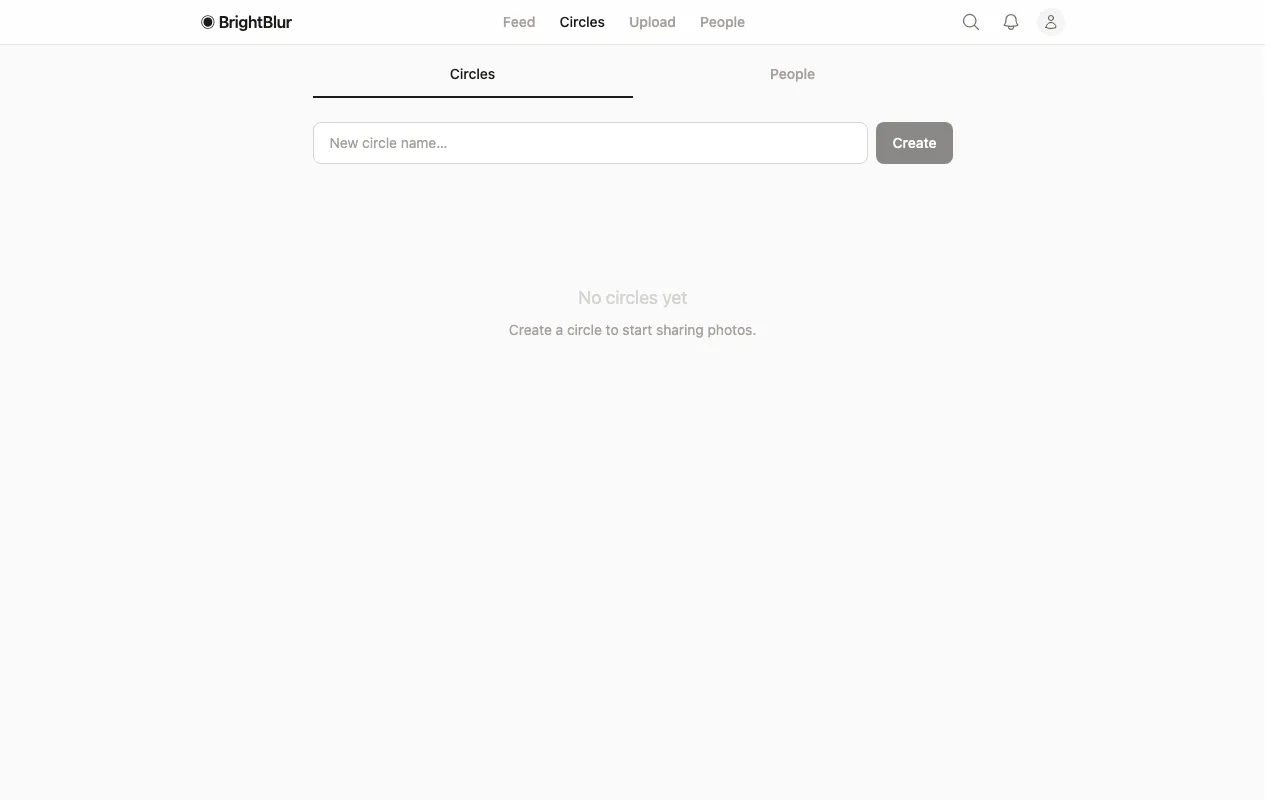
Section titled “Creating a circle”- Go to the Circles page.
- Type a name in the New circle name field.
- Tap Create.
Default circles
Section titled “Default circles”If you frequently share with the same circles, go to Settings and choose one or more default circles. These will be pre-selected every time you upload, saving you a step.
Invite links
Section titled “Invite links”To add someone to a circle, you can generate a shareable invite link. The recipient clicks the link, creates an account (if they don’t have one), and is automatically added to the circle.